Why do I still see empty surveys under "My Tasks"?
Last updated: November 12, 2025
At Coolset, we use conditional logic to make your experience as streamlined and relevant as possible. This means that you’ll only see the questions and sections that apply to your company, based on how you or your teammates have answered previous questions.
However, this can sometimes cause confusion, especially when using filters like "My tasks".
Why do I see surveys that look empty?
You might see a survey listed under "My tasks" that appears to contain no visible questions. This is due to how our visibility conditioning works:
Based on your answers, follow-up questions may appear or disappear dynamically.
If a question is answered and then hidden later (because an earlier answer changed), the system preserves everything - your answers, comments, documents, and assignee information are never lost.
This means you can still be assigned to hidden questions, and those assignments may cause an entire survey to show up under "My tasks", even if there are no currently visible questions for you.
We do this intentionally to ensure traceability and audit compliance.
Example
Let’s say your team initially selected ESRS E3 – Water and marine resources as in scope. Your manager assigned you a question in this section.
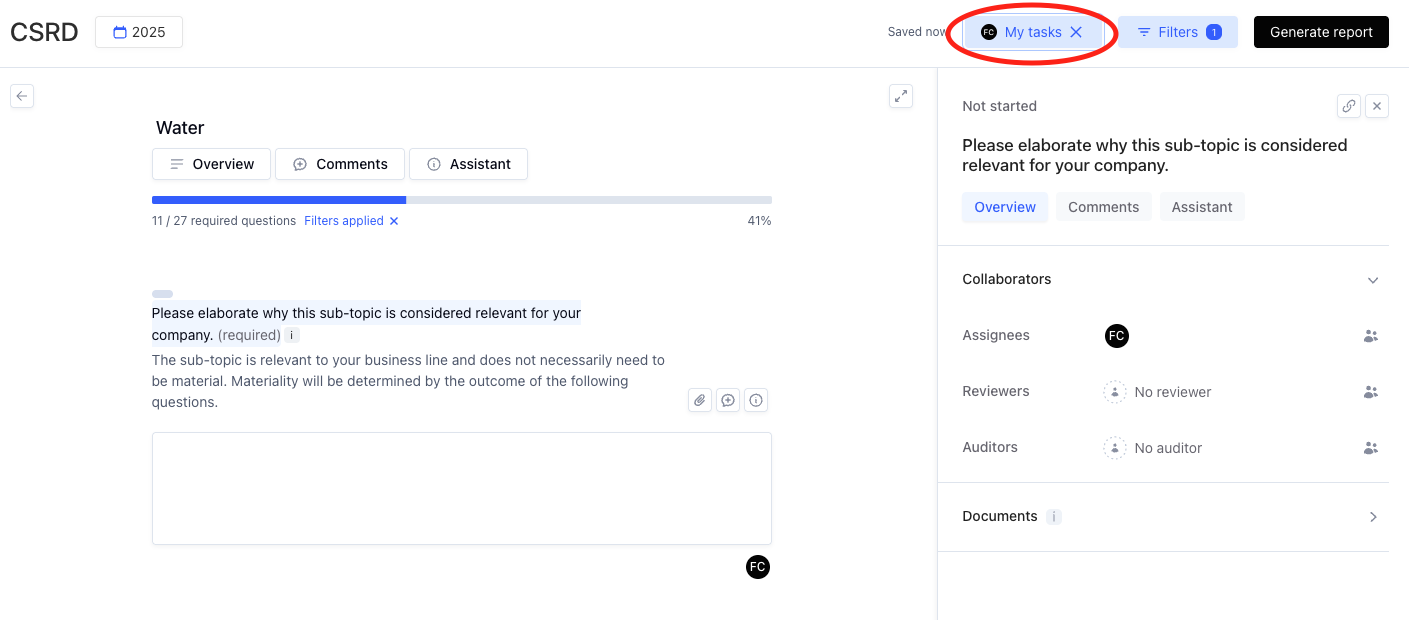
Later, the team decides this topic is no longer material and deselects it. While the questions are hidden, your assignment remains, so you’ll still see a task in "My tasks" with no visible content.
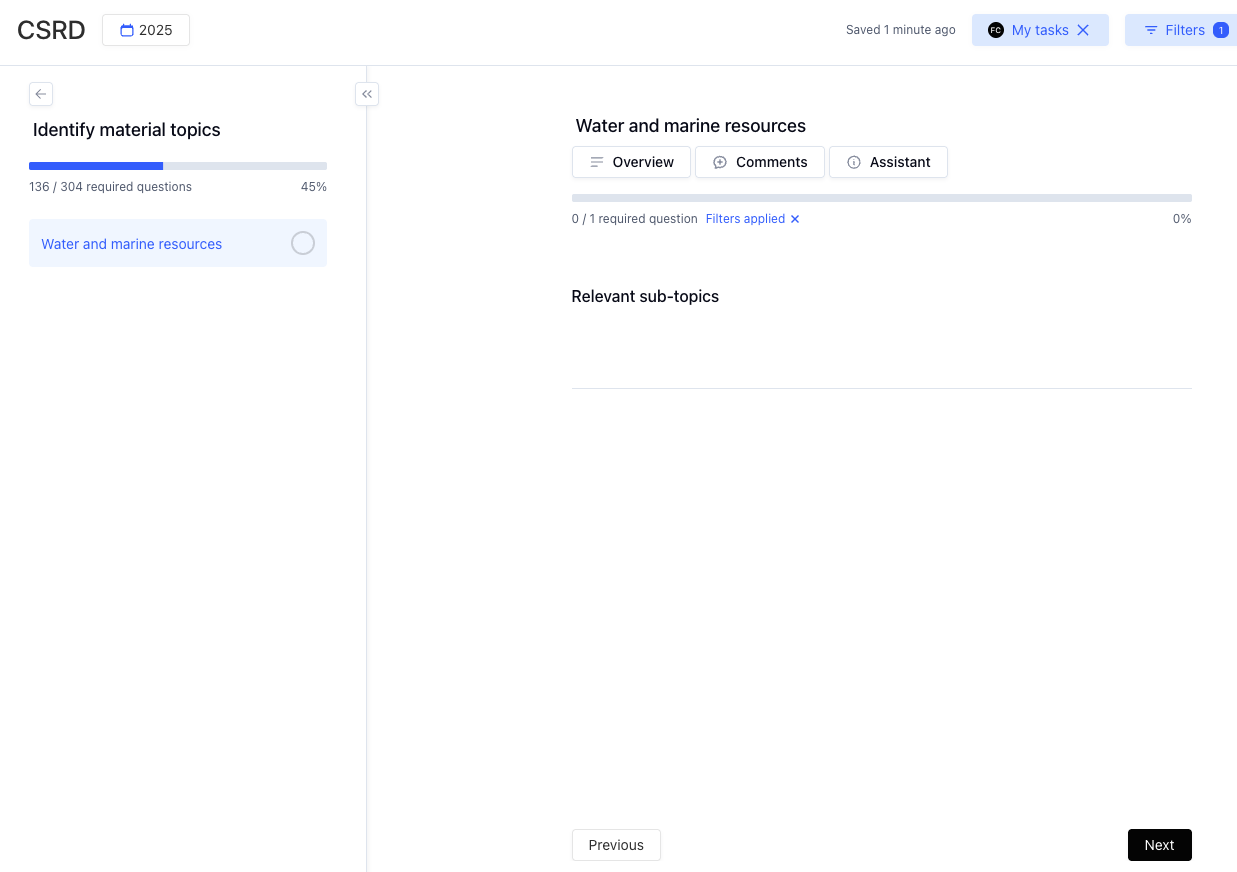
The question is no longer relevant, yet you will remain assigned to it for auditing and compliance reasons.