Uploading your gas and electricity consumption data
Last updated: September 21, 2026
Uploading your gas and electricity consumption data
To accurately track and reduce your company’s carbon footprint, it’s important to include both gas and electricity consumption in your emissions reporting. This guide walks you through how to upload that data in Coolset.
Gas and electricity consumption data
Gas usage contributes to Scope 1 emissions, which are direct emissions from sources your organization owns or controls.
Electricity usage is part of Scope 2 emissions, which cover indirect emissions from purchased electricity.
In the Coolset 'Activities' section, you can upload gas and electricity emissions data either in Bulk via CSV or by entering individual gas data.
Uploading in Bulk via CSV
Managing multiple locations or large datasets? A bulk upload via CSV is the easiest option.
Click 'import' to open a pop-up window, where you can chose between 'gas' or 'electricity' and download the CSV template.
Enter your gas or electricity consumption data in Excel, save as a csv file.
Re-upload the completed file in the same section.
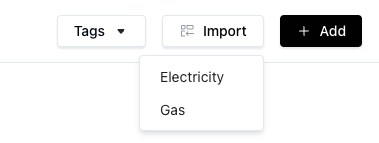
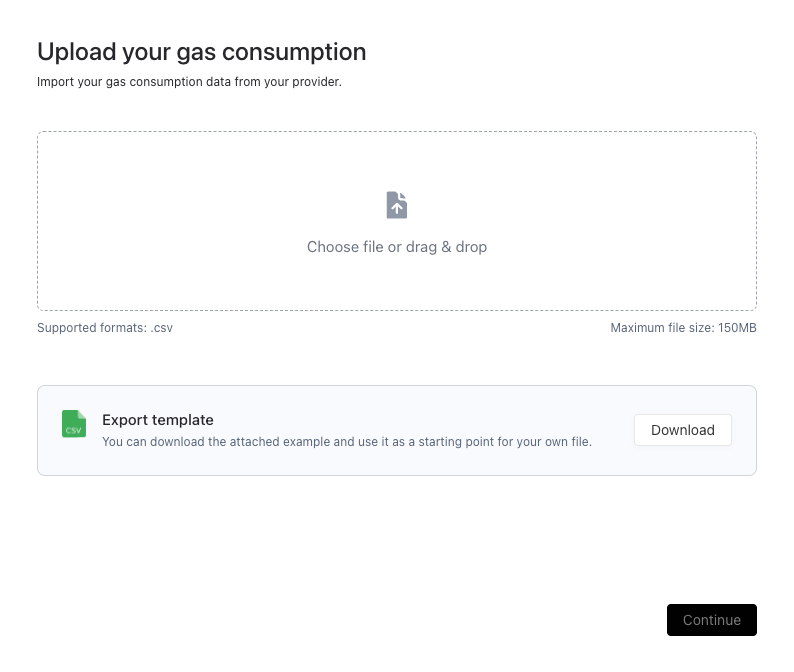
How to Upload Gas Data
Gather your data: Collect your gas or electricity consumption records, measured in cubic meters (m³), either monthly or annually.
Enter individual records
Go to the Activities section in Coolset.
Click Add and select the right category (e.g. 'gas') to enter each gas transaction manually.
Save your entries
Click Add and upload the activity.
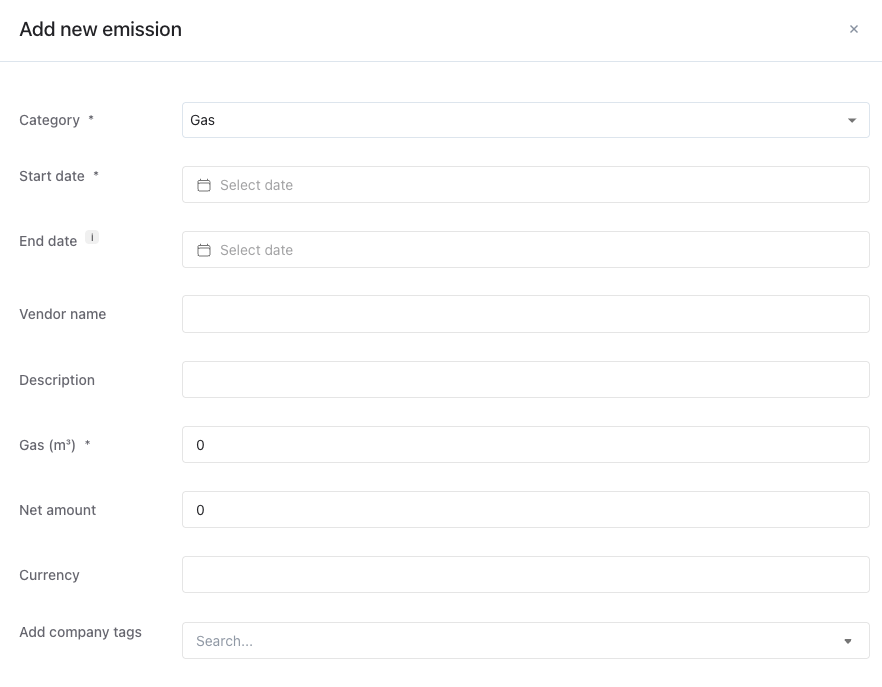
How to Upload Electricity Data
Collect your data: Get your electricity consumption records in kilowatt-hours (kWh), either monthly or yearly.
Enter individual records
Navigate to the Activity Inputs section.
Click Add and select electricity, to input electricity usage manually.
Save your entries
After entering your data, click Upload and Save. Coolset will calculate your Scope 2 emissions automatically.
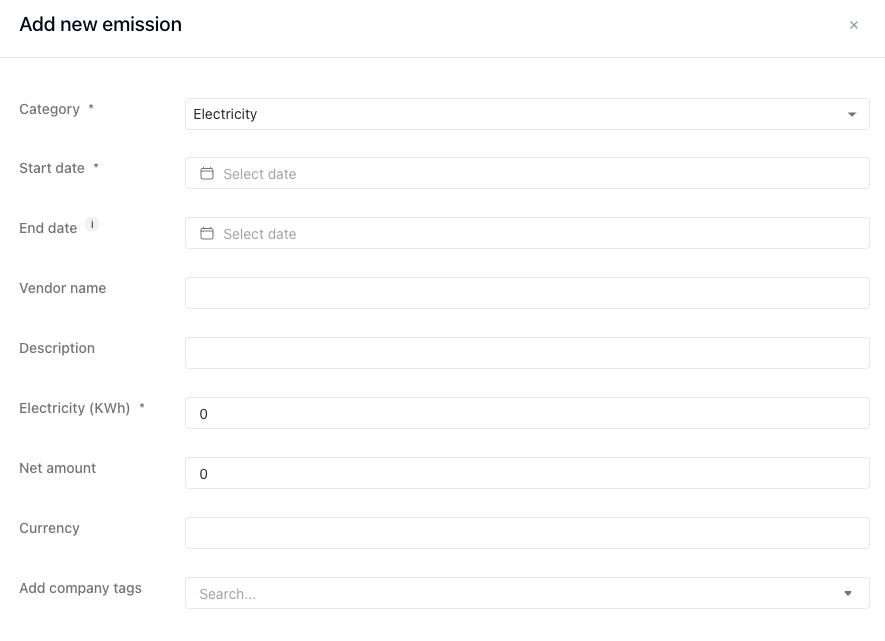
If you use district heating rather than gas, please take a moment to read this article: Uploading district heating consumption.